IDE Guide
How to interact with the HyperAI IDE to build your projects.
Live: ide.hyperai.di.uoa.gr.
Login / Signup
Opening the IDE redirects you to the HyperAI sign-in page. Enter your email and password and click Sign In. New users can create an account through the Register link, and Forgot Password? starts a reset.

Using the Wizard
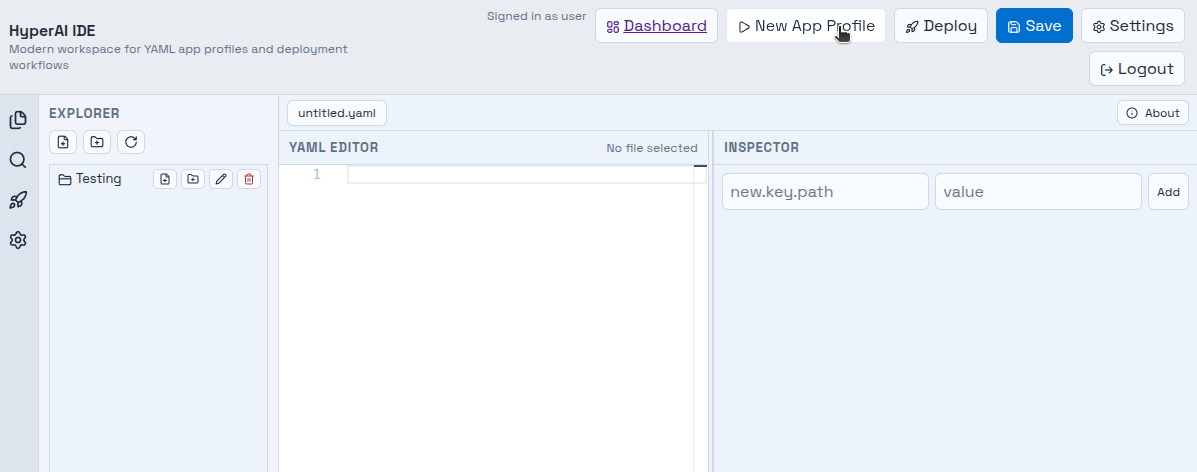
The Wizard is a smart way to define your application in an easy way. Open it by clicking New App Profile in the top bar.
You can either fill in the form or edit the Wizard DSL in the mini editor — the two stay in sync, and validation errors are shown live.
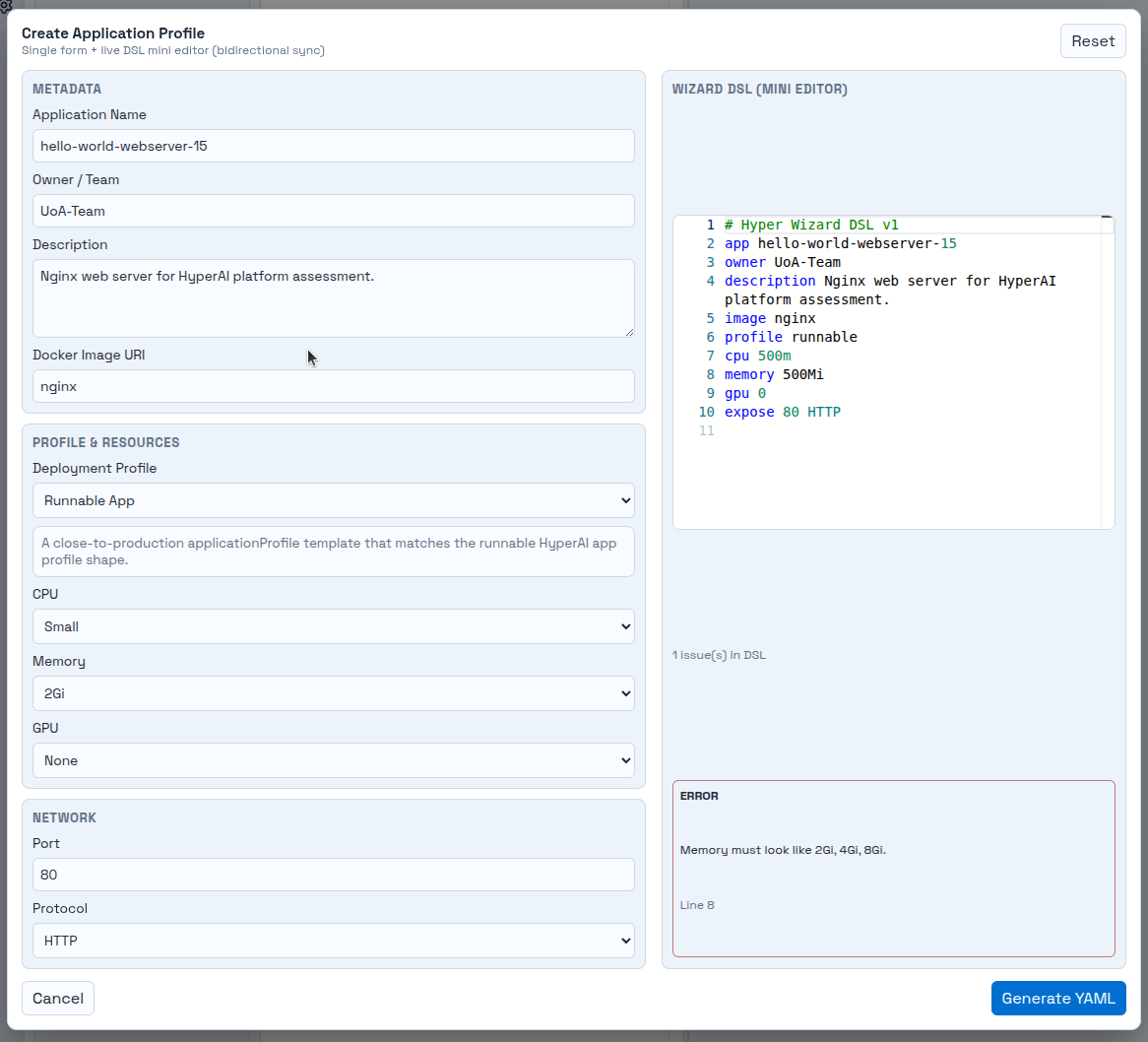
When you finalize, click Generate YAML — the YAML is automatically sent to the main YAML editor.
Settings
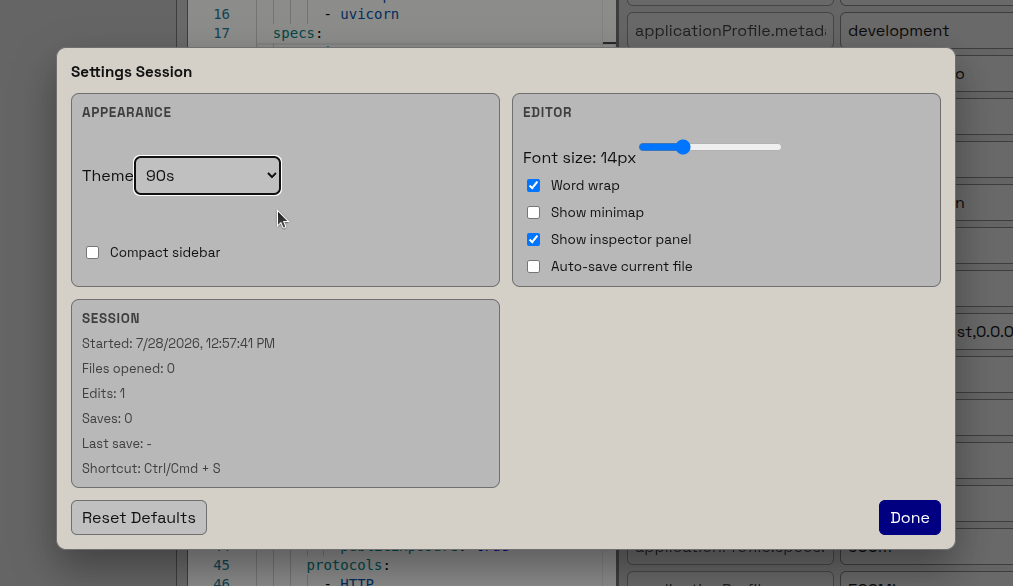
To customize the IDE, click Settings in the top bar. From there you can change the theme, the font size, and many more — or reset everything back to the defaults with Reset Defaults.